
How to Move a VM from one hyper-V to another
Articles on: Virtual Machine
- Open Hyper-V Manager.
- In the navigation pane, select one of the servers. (If it isn't listed, right-click Hyper-V Manager, click Connect to Server, type the server name, and click OK. Repeat to add more servers.)
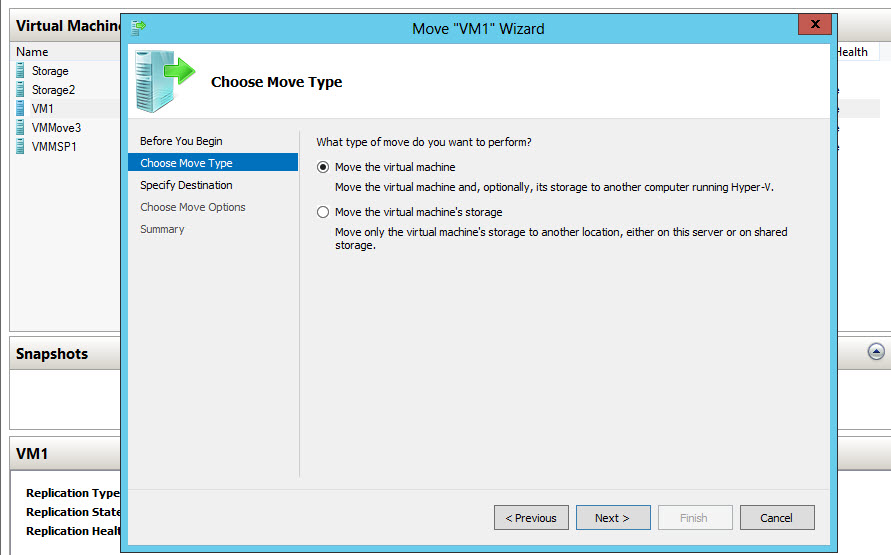
- From the Virtual Machines pane, right-click the virtual machine and then click Move. This opens the Move Wizard.

- Use the wizard pages to choose the type of move, destination server, and options.

- On the Summary page, review your choices and then click Finish.
Updated on: 31/01/2023
Updated on: 01/07/2024
Thank you!